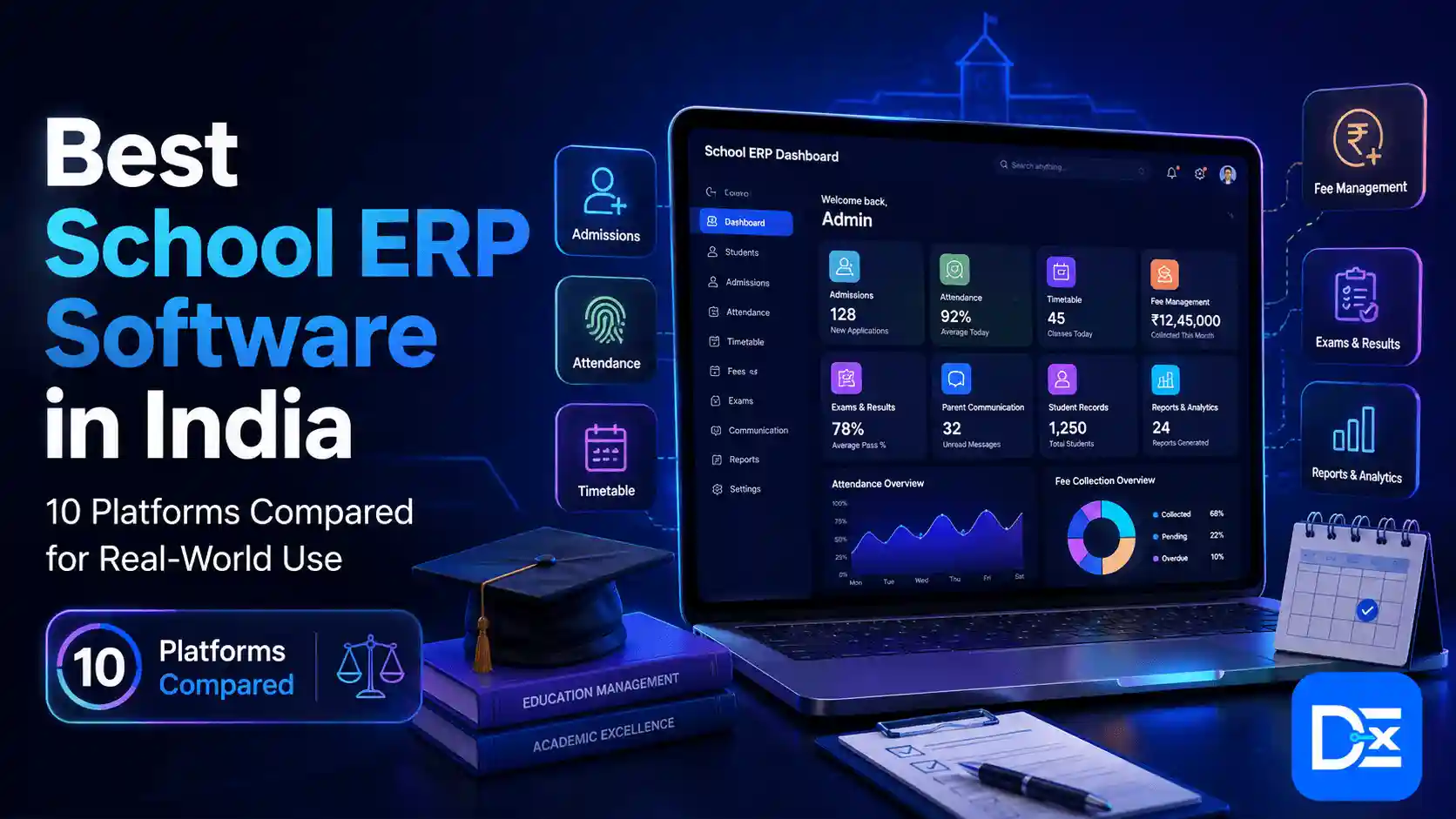
Choosing the best school ERP software is not about finding the platform with the longest feature list. It is about finding a system that removes operational bottlenecks without creating new ones.
India’s education system operates at a huge scale. The latest UDISE+ data from the Ministry of Education reports more than 1.47 million schools and 246.9 million enrolled students. At an individual school level, that scale translates into thousands of attendance records, fee transactions, parent communications, academic reports, employee records, and administrative approvals.
When these processes sit across Excel files, paper registers, accounting software, messaging apps, and disconnected portals, management loses visibility.
A good school ERP brings that information together. A great one also improves how the institution operates.
What Should a Good School ERP Actually Solve?
Before comparing vendors, identify the problems costing your school time or money.
A school ERP should help solve issues such as:
- Admission enquiries getting lost before follow-up
- Parents repeatedly calling for fees, attendance, or homework updates
- Finance teams manually reconciling collections
- Teachers entering the same information in multiple systems
- Management waiting days for reports
- Payroll, leave, and employee records sitting in separate tools
- Branches following different processes
- Student data being duplicated across departments
The buying question should therefore be:
Which ERP will improve the workflows that matter most to our institution?
That approach is more useful than buying 50 modules and using only 12.
How We Evaluated the Best School ERP Software
We reviewed platforms based on practical buying factors, including:
- Student information management
- Admissions and enrollment
- Fees and finance
- Attendance and examinations
- HR and payroll
- Parent and student communication
- LMS and academic tools
- Integrations
- Reporting and analytics
- Mobile access
- Multi-campus capabilities
- Customization
- Implementation complexity
- Security and data controls
- Pricing transparency
Vendor claims such as “best,” “most advanced,” or “most trusted” were not treated as independent evidence.
Best School ERP Software in India: Quick Comparison
| Software | Best For | Key Strength |
| Entab CampusCare | Established K-12 schools | Deep school-specific workflows |
| Edunext | Parent engagement | ERP plus role-based mobile apps |
| Fedena | Cost-conscious schools | Broad modules and visible pricing |
| MyClassboard | End-to-end school operations | ERP, finance, LMS and communication |
| Teachmint | Digital-first schools | Administration plus learning tools |
| Vidyalaya | Customizable deployments | 40+ modules and integrations |
| edumergeOS | Education groups | Multi-campus governance |
| Camu | Colleges and universities | SIS, LMS, OBE and accreditation |
| Frappe Education | Tech-capable institutions | Open-source flexibility |
| NetSuite | Finance-heavy organizations | Enterprise financial management |
10 School ERP Platforms Worth Evaluating
1. Entab CampusCare
Entab CampusCare is designed specifically for school management and covers academics, administration, communication, fees, student information, and reporting.
Entab states that more than 2,500 schools use its solutions.
Best for: Established private, CBSE, ICSE, and larger K-12 institutions.
Consider before buying: Ask exactly what customization, migration, training, and post-launch support are included.
2. Edunext Technologies
Edunext School ERP combines student information, attendance, academics, fees, accounting, payroll, recruitment, transport, inventory, e-learning, and other school processes.
Its role-based mobile ecosystem is particularly relevant for schools where parents, teachers, students, and management require different experiences.
Best for: Schools prioritizing communication and mobile access.
3. Fedena
Fedena offers core school management plus additional modules covering admissions, examinations, transportation, HR, finance, and other operations.
It also provides more pricing visibility than many competitors. At the time of research, its web plans started at $999 billed yearly, with higher tiers adding more modules.
Best for: Small and mid-sized institutions that want predictable software budgeting.
4. MyClassboard
My Classboard ERP combines admissions, student data, financial management, HR and payroll, communication, LMS, and analytics.
Its communication capabilities include channels such as SMS, email, and WhatsApp.
Best for: Schools seeking a broad ecosystem rather than separate administration, finance, and communication tools.
5. Teachmint
Teachmint Integrated School Platform combines administrative workflows with digital teaching tools.
Its platform includes fee management, student information, attendance, examinations, and mobile and web access.
Best for: Schools looking to connect classroom technology with administrative management.
Watch for: Separate what the school genuinely needs from optional digital learning tools before comparing commercial proposals.
6. Vidyalaya School ERP
Vidyalaya documents more than 40 modules covering student management, finance, attendance, assessment, HR, payroll, academics, transportation, inventory, and other functions.
It also supports integrations such as payment gateways, biometrics, Tally, SMS, and other external systems.
Best for: Schools requiring configurable workflows and broad integration options.
7. edumergeOS
edumergeOS addresses a different problem. It is designed for groups managing multiple educational institutions.
School ERP, College ERP, HRMS, and Finance & Control sit on a shared platform, with centralized governance and campus-level operational autonomy.
Best for: Trusts, societies, school chains, and groups running schools and colleges.
8. Camu Digital Campus
Camu Digital Campus combines SIS and LMS functionality with academic governance, outcome-based education, accreditation support, analytics, enrollment, and student lifecycle management.
Its strengths lean more toward higher education than conventional K-12 administration.
Best for: Colleges, universities, autonomous institutions, and academically complex campuses.
9. Frappe Education
Frappe Education is an open-source option built with ERPNext.
It supports student and teacher management, admissions, attendance, fees, scheduling, assessments, portals, and integrated accounting.
Best for: Institutions with internal technical resources or a reliable implementation partner.
Open source can reduce licensing dependency, but hosting, development, security, upgrades, and support still carry costs.
10. Oracle NetSuite
NetSuite is not a school-first ERP, which is exactly why buyers should understand its position.
It is better suited to larger organizations needing enterprise accounting, financial controls, procurement, CRM, and operational management.
Best for: Education groups where enterprise finance is more important than classroom-specific ERP functionality.
A separate SIS or academic system may still be required.
Do Not Compare ERP Software on Subscription Price Alone
The cheapest quote is not necessarily the lowest-cost solution.
Calculate:
Total ERP Cost = License + Implementation + Migration + Customization + Integrations + Training + Support + Transaction Costs
Also model the cost across three years.
A platform charging less initially can become expensive if payment integrations, mobile apps, reporting, messaging, API access, additional campuses, or support are separate add-ons.
This is similar to cloud infrastructure planning. Digital Exclude’s cloud migration checklist explains why businesses should calculate full TCO instead of making decisions from the initial quote alone.
ERP Implementation Matters as Much as Features
A powerful ERP that employees refuse to use is still a failed investment.
A proper rollout normally involves process mapping, data cleaning, migration, configuration, integration, testing, training, pilot deployment, and post-launch support.
Test Real Workflows Before Signing
Ask Every Vendor to Demonstrate These Five Processes
- Admission enquiry to confirmed enrollment
- Fee invoice to payment and accounting reconciliation
- Attendance entry to parent notification
- Examination setup to final report card
- Management dashboard across departments or campuses
Do not accept a slideshow as proof. Ask the vendor to perform the workflow inside the product.
If you are migrating from older systems, the same principles covered in Digital Exclude’s cloud migration guide apply: inventory your data, understand dependencies, test before cutover, define acceptance criteria, and maintain a rollback plan.
What About AI-Powered School ERP?
AI is becoming common in ERP marketing, but “AI-powered” by itself tells you very little.
Useful applications may include:
- Predicting fee collection risks
- Identifying unusual attendance patterns
- Enrollment forecasting
- Automated document extraction
- Management report summaries
- Student performance insights
- Expense categorization
- Workflow assistance
Ask vendors to demonstrate these capabilities using a realistic scenario.
Digital Exclude’s guide to AI automation for business explains the same principle: start with repeatable, measurable workflows instead of automating everything simply because AI is available.
Security and Data Ownership Should Be Deal-Breakers
School ERP systems may hold student identities, parent details, photographs, financial records, attendance, academic performance, employee information, and payment data.
Before signing, ask:
- Is data encrypted?
- Does the platform support role-based access?
- Are administrator actions logged?
- Is multi-factor authentication available?
- How often are backups tested?
- Where is the data stored?
- Who can access production data?
- What happens after contract termination?
Most importantly, ask:
Can we export all of our data in a usable format if we change ERP providers?
Vendor lock-in becomes expensive when institutions discover too late that years of documents and historical records cannot be migrated easily.
How to Make the Final Decision
Shortlist three platforms, not ten.
Give each vendor the same real-world scenarios and score them across:
Business fit, usability, implementation, integrations, security, support, scalability, and three-year TCO.
Then speak with two or three existing customers similar to your school in student strength, board, campus structure, and operational complexity.
The best school ERP software is ultimately the one that solves your school’s biggest administrative problems while remaining usable for the people who have to work with it every day.
Frequently Asked Questions
1. What is school ERP software?
School ERP software is a centralized platform for managing processes such as admissions, student information, fees, attendance, academics, examinations, HR, payroll, communication, transportation, and reporting.
2. Which school ERP software is best in India?
There is no universal best option. Entab, Edunext, Fedena, MyClassboard, Teachmint, Vidyalaya, edumergeOS, Camu, and other platforms serve different institution types. The right choice depends on size, workflows, integrations, budget, and campus structure.
3. How much does school ERP software cost?
Pricing varies by student count, modules, campuses, implementation, integrations, migration, customization, and support. Schools should compare three-year total cost rather than only monthly or annual licensing.
4. What features should a school ERP have?
Core features should include admissions, student information, fee management, attendance, examinations, academic planning, communication, reporting, role-based access, and integrations. Larger institutions may also require HR, payroll, transport, accounting, inventory, analytics, and multi-campus management.
5. How do you choose the right school ERP vendor?
Define your biggest operational problems first, shortlist suitable vendors, test real workflows, evaluate security and integrations, calculate total cost, review the implementation plan, and speak directly with comparable existing customers before making a final decision.