Quick Answer
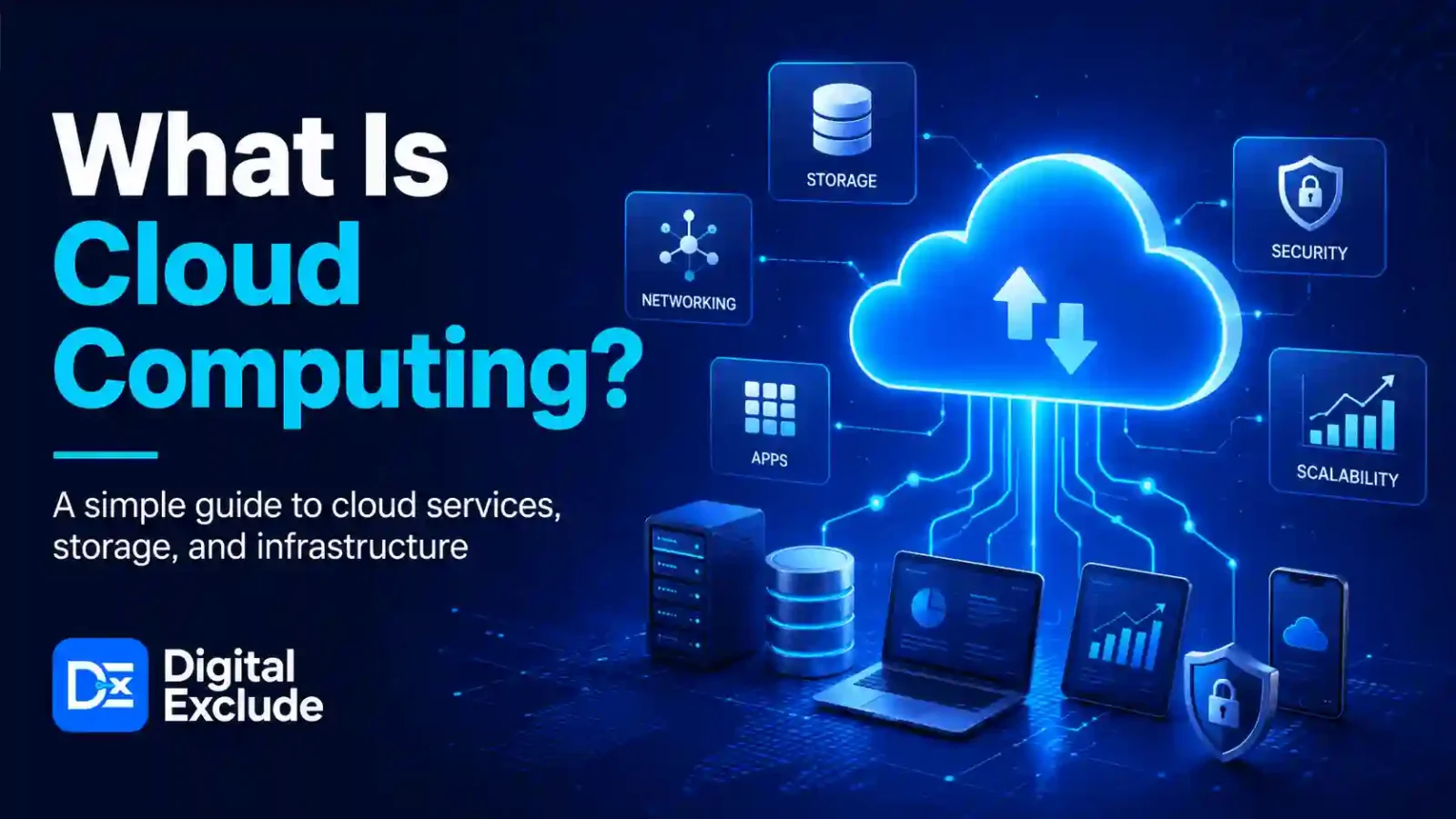
Cloud Computing means using computing services such as servers, storage, databases, networking, software, analytics, and AI over the internet instead of owning and managing physical hardware yourself. In simple words, you rent technology resources when you need them and pay based on usage, plan, or subscription.
For beginners, cloud computing is useful because it powers many things people already use every day, including Gmail, Google Drive, Netflix, online banking, mobile apps, business websites, AI tools, cybersecurity platforms, and online learning systems. Major cloud platforms such as AWS and Azure provide these services to individuals, startups, large companies, governments, and developers. AWS describes cloud computing as the on demand delivery of IT resources over the internet with pay as you go pricing, while Microsoft Azure defines it as the delivery of computing services such as servers, storage, databases, networking, software, analytics, and intelligence over the internet.
Introduction
Cloud Computing can sound technical when you are just starting. Many students, working professionals, small business owners, Android users, and tech beginners hear terms like AWS, Azure, serverless, storage, virtual machine, and cloud security, but they do not always understand what these words mean in real life.
The real problem is simple: people use cloud based apps every day, but they do not know how cloud computing works, when to use it, what it costs, or where they need to be careful. A beginner may want to host a website, store files, use an AI tool, back up phone photos, learn cybersecurity, or start a cloud career, but the options can feel confusing.
This guide explains Cloud Computing in simple English, with practical examples, common mistakes, safety tips, and beginner friendly decision points for 2026.
What Cloud Computing Means
Cloud Computing is a way to access technology resources through the internet. Instead of buying your own physical servers, storage devices, databases, and networking equipment, you use these services from a cloud provider.
The National Institute of Standards and Technology defines cloud computing as a model for convenient, on demand network access to a shared pool of configurable computing resources that can be quickly provided and released with minimal management effort. NIST also lists five key characteristics: on demand self service, broad network access, resource pooling, rapid elasticity, and measured service.
Simple Example
Imagine you want to start a small website.
Without cloud computing, you may need to:
- Buy a physical server
- Set it up in an office
- Arrange power backup
- Configure networking
- Maintain hardware
- Handle security
- Upgrade storage when traffic grows
With cloud computing, you can:
- Create a server online
- Store files in cloud storage
- Use a managed database
- Add security rules
- Scale resources when traffic grows
- Pay for what you use
This is why cloud computing is useful for both beginners and large businesses.
Why Cloud Computing Matters in 2026
Cloud Computing matters in 2026 because it is now connected to almost every major technology area, including AI, mobile apps, cybersecurity, SaaS tools, online education, gaming, e commerce, and business automation.
The cloud is also becoming more important because companies are using it for AI workloads, application modernization, data storage, analytics, remote work, and security operations. Gartner’s 2025 forecast said public cloud services growth would be pushed by AI integration, with worldwide public cloud services projected to reach $1.48 trillion by 2029.
For beginners, this means cloud skills are not limited to cloud engineers. They are useful for:
- Students learning technology
- Developers building apps
- Business owners managing websites
- Cybersecurity learners analysing logs and identity access
- Android users using cloud backups
- Working professionals using SaaS tools
- AI learners using cloud based AI services
- Freelancers managing client websites
How Does Cloud Computing Work?
Cloud Computing works by giving users access to remote data centers through the internet. These data centers contain servers, storage systems, networking hardware, databases, and software platforms.
When you use a cloud service, you are usually using infrastructure managed by a provider such as AWS, Azure, or Google Cloud.
Basic Flow
- You create an account with a cloud provider.
- You choose a service, such as storage, server, database, or AI tool.
- The provider allocates resources from its data centers.
- You access the service through a dashboard, API, app, or command line.
- You pay based on plan, usage, or subscription.
- You manage settings such as security, users, backup, and access.
Real Life Example
When you upload a photo to a cloud storage app, the file is not stored only on your phone. It is uploaded to remote cloud infrastructure. You can later access it from another phone, laptop, or browser because the file is stored online.
This is cloud computing in daily life.
What Are the Main Types of Cloud Computing?
Cloud services are commonly grouped into three main service models: IaaS, PaaS, and SaaS. NIST also uses these three service models in its cloud computing definition.
| Type | Full Form | What It Means | Example Use |
| IaaS | Infrastructure as a Service | Rent servers, storage, and networking | Hosting a website on a virtual machine |
| PaaS | Platform as a Service | Use a platform to build and deploy apps | Deploying an app without managing servers |
| SaaS | Software as a Service | Use ready made software online | Gmail, Microsoft 365, Canva, CRM tools |
IaaS Explained
IaaS is useful when you want control over servers, storage, and networking, but do not want to buy hardware.
Example:
A developer creates a virtual machine on AWS or Azure to run a web application.
PaaS Explained
PaaS is useful when you want to build and run apps without managing the full server setup.
Example:
A small team deploys a web app using a managed app service.
SaaS Explained
SaaS is the easiest to understand because most people already use it.
Example:
Google Workspace, Microsoft 365, Dropbox, Zoom, and online project management tools are SaaS products.
What Are AWS and Azure?
What Is AWS?
AWS stands for Amazon Web Services. It is a cloud platform from Amazon that provides computing power, storage, databases, networking, machine learning, analytics, security tools, and many other cloud services. AWS describes cloud computing as on demand IT resource delivery with pay as you go pricing.
What Is Azure?
Azure is Microsoft’s cloud computing platform. It provides cloud services such as virtual machines, storage, databases, AI, analytics, networking, identity, and security. Microsoft describes cloud computing as the delivery of computing services over the internet to support faster innovation, flexible resources, and economies of scale.
AWS vs Azure for Beginners
| Point | AWS | Azure |
| Good for | Startups, developers, cloud learners, many cloud use cases | Microsoft users, enterprises, Windows based environments |
| Beginner certification | AWS Certified Cloud Practitioner | Microsoft Azure Fundamentals |
| Common services | EC2, S3, Lambda, RDS, IAM | Virtual Machines, Blob Storage, Azure Functions, Azure SQL, Entra ID |
| Learning curve | Broad service catalog, needs structured learning | Easier if you already use Microsoft tools |
| Best beginner use | Cloud basics, hosting, storage, AI services | Cloud basics, Microsoft ecosystem, identity, business tools |
Both AWS and Azure are good for beginners. The right choice depends on your goal, company environment, learning path, and budget.
Main Practical Guide: How Beginners Should Understand Cloud Computing
1. Start With the Problem, Not the Platform
Do not start by asking, “Should I learn AWS or Azure?”
Start by asking:
- Do I want to host a website?
- Do I want to store files safely?
- Do I want to learn cloud for a job?
- Do I want to use AI services?
- Do I want to protect business data?
- Do I want to build apps?
- Do I want to manage cloud security?
Once the problem is clear, choosing the platform becomes easier.
2. Learn the Core Cloud Concepts First
Before using advanced services, understand these basics:
| Concept | Beginner Meaning |
| Server | A computer that runs apps or websites |
| Virtual machine | A cloud-based server you can rent |
| Storage | A place to store files, images, backups, or data |
| Database | A structured place to store and manage data |
| Region | A physical location where cloud data centers exist |
| Availability zone | A separate data center area inside a region |
| IAM | Identity and access management |
| Backup | A copy of the data stored for recovery |
| Scaling | Increasing or reducing resources based on demand |
| Billing | Charges based on usage, plan, or services |
3. Use Free Learning Accounts Carefully
Cloud providers often offer free tiers, trial credits, or free learning labs. These are useful, but beginners should be careful.
Before creating resources:
- Set a billing alert
- Use a strong password
- Turn on multi-factor authentication
- Read pricing pages
- Delete unused resources
- Avoid running large servers
- Do not expose databases publicly
- Do not upload sensitive files for testing
The cloud is powerful, but a poor setup can create unexpected bills or security problems.
4. Understand Shared Responsibility
Cloud security is shared between the cloud provider and the customer.
In simple words:
- The provider secures the cloud infrastructure.
- The user secures what they create, configure, upload, and access.
Example:
AWS or Azure may secure the physical data center, but you are still responsible for strong passwords, correct access permissions, secure application code, and safe data handling.
5. Practise With Small Projects
Beginners learn cloud computing better through small projects.
Good beginner projects:
- Host a static website
- Upload files to cloud storage
- Create a basic virtual machine
- Set up a cloud database
- Create a backup plan
- Build a simple serverless function
- Create a cloud budget alert
- Test identity and access rules
- Deploy a sample web app
- Create a cloud security checklist
Small projects make cloud concepts easier to remember.
Real World Examples of Cloud Computing
Example 1: Student Using Cloud Storage
A student uses cloud storage to save notes, presentations, and assignments. If the laptop fails, the files are still available online.
Practical tip:
Use strong passwords and multi-factor authentication. Do not share public links to private folders.
Example 2: Small Business Hosting a Website
A small business can host its website on cloud infrastructure instead of buying its own server. It can also use cloud backups, email services, analytics, and security monitoring.
Practical tip:
Use managed hosting or beginner-friendly cloud services if you do not have technical support.
Example 3: Android User Backing Up Photos
An Android user may use cloud backup for photos, contacts, and app data. This helps when changing phones or recovering lost data.
Practical tip:
Check storage limits, backup settings, and privacy options. Do not assume every file is automatically backed up.
Example 4: Cybersecurity Learner Analysing Logs
A cybersecurity learner can use cloud labs to understand identity access, logging, firewalls, and monitoring.
Practical tip:
Use legal learning labs and avoid scanning or testing systems you do not own.
Example 5: AI Tool Running on Cloud Infrastructure
Many AI tools need large computing power. Cloud infrastructure helps companies run AI models, store datasets, and deliver AI features to users.
Practical tip:
If you use AI tools, check how your data is stored, whether it is used for training, and whether the tool is approved for sensitive work.
Common Mistakes to Avoid
Mistake 1: Thinking Cloud Means Free
Cloud services can be affordable, but they are not always free. Some services charge based on storage, traffic, compute time, API calls, or data transfer.
Better approach:
Set budgets and billing alerts before testing cloud services.
Mistake 2: Ignoring Security Settings
Beginners sometimes create public storage buckets, weak passwords, open ports, or exposed databases.
Better approach:
Start with private access by default. Only open access when you understand why it is needed.
Mistake 3: Choosing Too Many Services at Once
AWS and Azure have many services. Beginners often get confused by trying to learn everything.
Better approach:
Start with compute, storage, networking, IAM, billing, and basic security.
Mistake 4: Not Deleting Test Resources
A virtual machine, database, or storage service may keep running even after you finish testing.
Better approach:
Delete unused resources after every practice session.
Mistake 5: Learning Only Theory
Reading about cloud computing is useful, but cloud skills need practice.
Better approach:
Build small labs and document what you did.
Mistake 6: Uploading Sensitive Data Into Test Accounts
Do not upload private customer data, company documents, IDs, passwords, API keys, or financial records into a test cloud account.
Better approach:
Use dummy data for learning.
Best Practices: Step by Step Tips for Beginners
Step 1: Learn Basic Internet Concepts
Before cloud, understand:
- What a server is
- What a website is
- What DNS means
- What an IP address is
- What a database does
- What login security means
Step 2: Choose One Cloud Platform First
Pick either AWS or Azure first. Do not try to learn both deeply at the same time.
Choose AWS if:
- You want broad cloud exposure
- You are interested in startups, cloud hosting, or AWS jobs
- You want to learn services like EC2, S3, Lambda, and IAM
Choose Azure if:
- You work in a Microsoft-heavy environment
- You use Microsoft 365, Windows Server, or enterprise tools
- You want to learn Azure Virtual Machines, Blob Storage, Azure Functions, and Entra ID
Step 3: Start With a Beginner Certification
Good beginner options:
- AWS Certified Cloud Practitioner
- Microsoft Azure Fundamentals
- Google Cloud Digital Leader, if you also want a broad cloud view
These are not required, but they give structure.
Step 4: Build One Simple Project
Project idea:
Create a simple personal portfolio website and host it using a cloud service.
What you will learn:
- Storage
- Hosting
- Permissions
- DNS basics
- Billing alerts
- Basic security
- Deployment steps
Step 5: Learn Cloud Security Early
Do not wait until later.
Learn:
- Multi-factor authentication
- Identity and access management
- Least privilege access
- Private vs public storage
- Backups
- Logging
- Basic firewall rules
- Secure passwords
- Cost monitoring
Step 6: Track Cost From Day One
Cloud cost control is a real skill.
Beginner checklist:
- Set monthly budget alerts
- Use free-tier services carefully
- Delete unused resources
- Avoid large instance types
- Watch data transfer costs
- Review the billing dashboard weekly
- Use tags or labels for projects
Step 7: Document Your Learning
Create simple notes:
- What you built
- Which service did you use
- What problem did it solve
- What mistake did you make
- What you fixed
- Screenshot of the final result
- Security checks you applied
This helps with interviews and future projects.
Comparison Table: Cloud Computing Options for Beginners
| Use Case | Better Cloud Option | Why It Helps | What to Watch |
| File backup | Cloud storage | Easy access from multiple devices | Storage limits and privacy |
| Website hosting | Static hosting or virtual machine | Good first cloud project | Billing and security settings |
| App development | PaaS or serverless | Less server management | Platform limits |
| Small business website | Managed hosting or cloud hosting | Scales better than local hosting | Maintenance and backups |
| AI learning | Cloud AI services | Access to ready AI tools | Data privacy and usage cost |
| Cybersecurity learning | Cloud labs | Practice identity, logs, and networks | Use only legal labs |
| Business software | SaaS tools | No server setup needed | Subscription cost and data policy |
Pros and Cons of Cloud Computing
| Pros | Cons |
| No need to buy physical servers | Costs can rise if not monitored |
| Easy to scale resources | Security misconfiguration can be risky |
| Useful for remote access | Internet dependency |
| Supports AI, apps, websites, and storage | Learning curve for beginners |
| Good for backup and recovery | Vendor lock in can happen |
| Pay based on usage or plan | Pricing can be complex |
| Useful for small and large businesses | Sensitive data needs careful handling |
Final Recommendation
For beginners in 2026, the best way to learn Cloud Computing is to start small.
Do not begin with advanced architecture diagrams or too many services. Start with one cloud platform, one simple project, and one clear goal.
A practical beginner path can look like this:
- Learn basic internet and server concepts.
- Choose AWS or Azure.
- Study compute, storage, networking, IAM, billing, and security basics.
- Create a free or low cost account carefully.
- Set billing alerts.
- Build a small website or storage project.
- Delete unused resources.
- Document your learning.
- Move to a beginner certification if needed.
- Practise cloud security from the beginning.
Cloud computing is easier when you connect it to real tasks, such as hosting a website, backing up files, running an app, or protecting data.
FAQs
What is Cloud Computing in simple words?
Cloud Computing means using computing services such as servers, storage, databases, software, and AI through the internet instead of owning physical hardware yourself.
Is Google Drive an example of cloud computing?
Yes. Google Drive is an example of a cloud based storage service because your files are stored online and can be accessed from different devices.
What is the difference between AWS and Azure?
AWS is Amazon’s cloud platform, while Azure is Microsoft’s cloud platform. Both provide services such as virtual machines, storage, databases, networking, AI, and security tools. AWS is widely used across many cloud environments, while Azure is often popular in Microsoft based business environments.
Is cloud computing safe?
Cloud computing can be safe when configured correctly. Users still need strong passwords, multi factor authentication, private access settings, backups, and careful permission management.
Can beginners learn cloud computing?
Yes. Beginners can learn cloud computing by starting with basic internet concepts, then learning storage, servers, networking, identity, billing, and security through small projects.
Do I need coding to learn cloud computing?
Not always. Basic cloud concepts do not require coding. However, coding helps if you want to become a cloud engineer, DevOps engineer, AI developer, or automation specialist.
Is cloud computing expensive?
Cloud computing can be low cost for small projects, but costs can increase if resources are left running or if large services are used. Beginners should set billing alerts and delete unused resources.
Which is better for beginners, AWS or Azure?
Both are good. AWS is a strong choice for broad cloud learning, while Azure is useful if you work with Microsoft tools or want to enter companies using Microsoft cloud services.
What are the main risks of cloud computing?
The main risks include weak passwords, poor access control, public data exposure, misconfigured services, unexpected billing, data privacy issues, and lack of backups.
What should I learn first in cloud computing?
Start with servers, storage, networking, databases, IAM, billing, backups, and basic security. After that, move to projects, certifications, and platform specific services.
Conclusion
Cloud Computing is one of the most important technology skills to understand in 2026 because it supports websites, mobile apps, AI tools, cybersecurity systems, online storage, business software, and remote work. It allows people and companies to use computing resources through the internet without owning physical infrastructure.
For beginners, the right approach is practical. Learn the basics, choose AWS or Azure, build a small project, protect your account, track costs, and avoid uploading sensitive data during practice. Cloud Computing becomes much easier when you connect it to real problems like hosting a website, backing up files, running an app, or improving business security.